















This week, Dylan Field took the stage at Moscone Center in San Francisco and said something that landed hard: “Code is not the opposite of design. Code is material for design.”With that line, Figma didn’t just launch six new features. It quietly redrew the boundary between what a designer does and what a machine can do.Every announcement at Config 2026 follows the same logic: the agent absorbs the parts of design work that can be described with precise instructions. The parts that have rules. The parts that can be done correctly without judgment. Everything standardizable is moving into the canvas.
What is left — what the agent cannot do, the aesthetic intuition, cultural fluency, and deep empathy for what a specific person feels in a specific moment — is precisely what has always elevated good design beyond the merely functional. Config 2026 doesn’t diminish that. It puts it center stage.
Here’s what was announced, and what it actually means for the designers building products in 2026.
Figma Motion: When execution stops being the job
Figma integrated a full animation timeline directly into the design file. Keyframes, easing curves, spring animations, and more, all without leaving Figma. The Figma agent can generate a first-pass animation from a text prompt, which designers then refine manually and are able to export and document in Dev Mode with copy-ready code
Figma Motion doesn’t replace the motion designer. It eliminates the operational overhead — the file setup, the tool configuration, the export pipeline — to create space for the decision that actually matters: how something moves, and what that movement communicates.
Does this transition feel abrupt or fluid? Does the timing suggest urgency or ease? Is this animation inviting the user in, or pushing them through? Those questions are answered by someone who understands how movement affects a person emotionally. The craft of motion design doesn’t go away. It moves up the stack, from executing animation to directing it.
Custom Shader Effects and Fills: The discipline of restraint
Prompted through the Figma agent, designers can now create custom shader effects rendered in WebGPU. They’re saveable, reusable across files, and exportable via MCP. No code knowledge required.
Shader effects are the Config announcement most likely to become noise without the right judgment.
A prompt can generate something visually striking, but it cannot tell whether that effect earns its place, whether it matches the brand’s tone, makes the interface feel alive rather than restless, or meets the right user at the right moment in their journey.Knowing when a single subtle shader does everything, and when nothing at all is the stronger choice, is exactly the kind of decision that keeps the designer’s role key to the process.
Weave Tools on the Canvas: Faster production, higher bar for direction
The tools from Figma Weave (previously a separate product born from the Weavy acquisition) are now available directly in the design canvas. Background replacement, logo compositing, aspect ratio changes, image generation from prompts: these tasks now live in a simple UI inside Figma, backed by pre-built AI workflows that handle the prompting logic internally.
For designers working with marketing or production assets, this compresses tasks that previously required switching tools and writing careful prompts into a few clicks inside the canvas. What that compression creates is time — and the question is what designers do with it. If the execution of a visual composition gets faster, the competitive value shifts entirely toward the creative direction behind it: the brief, the reference, the eye.
Generative Plugins: Encoding standards so humans don’t have to police them
Without writing a single line of code, any designer can ask the Figma agent to build a reusable plugin: reorder layers by a custom criterion, apply consistent padding across selections, find and replace colors across an entire file. These plugins live in the file and behave like native Figma tools.
This quietly addresses one of the persistent challenges in design at scale: enforcing team conventions without friction. A plugin that validates your company or product standards across a file is no longer an investment that requires a developer to build and maintain. It’s a prompt.
When the cost of standardization tooling drops to near zero, teams can enforce more of their conventions automatically — which frees mental bandwidth for the decisions that can’t be automated. The standards keep themselves. The designers focus on the edge cases, the exceptions, the things that require actual judgment to resolve.
The Figma Agent with Skills and Connectors: Shared intelligence, visible reasoning
The Figma agent received four meaningful upgrades: it can now create and execute custom reusable skills built from the team’s own workflows and conventions; connect to external tools via MCP; search the web and pull live data into designs; and its conversations are now visible to the whole team by default, turning what was a private chat into a shared design decision record.
The shift from private to shared agent context is subtle but significant. When the agent’s reasoning is visible to the whole team, the design process becomes more auditable and more collaborative. Encoded skills mean the team’s collective intelligence, embedded in its workflows and conventions, becomes executable.
For design organizations that care about craft, this creates an infrastructure question worth taking seriously: what do you want to encode as a skill, and what do you want to leave as a human judgment call? That boundary is now a design decision in itself.
Code Layers: The handoff stops being a wall
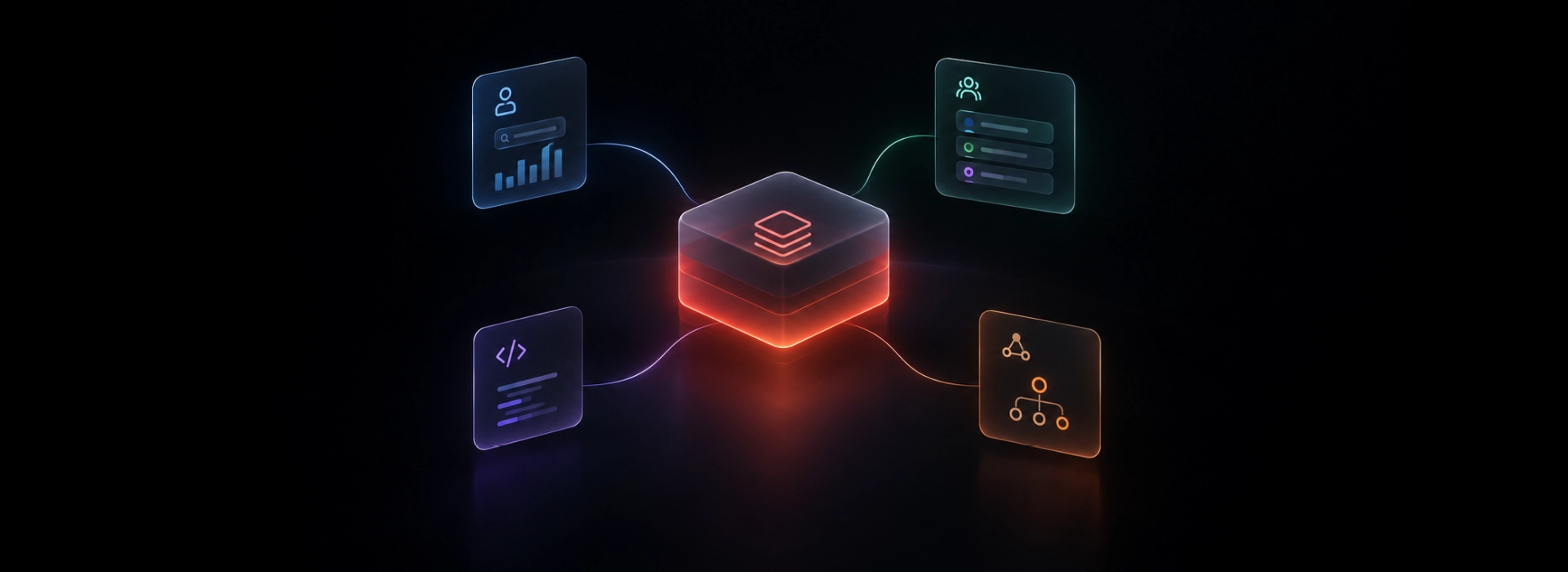
The most architecturally significant announcement. Code Layers brings working code into Figma as a new canvas layer type. Teams can clone a GitHub repository or upload a local codebase, extract interaction flows from existing code as inspectable design layers, and convert back and forth between code and design. The design-to-development handoff, as it has existed for the past decade, begins to dissolve.
This doesn’t make engineering knowledge optional — it makes contextual fluency with systems, components, and constraints increasingly valuable for designers. The designer who understands how a component library works, who can reason about interaction states and edge cases, who thinks in systems rather than screens: that designer gains significantly more leverage with Code Layers than someone who has operated exclusively in the visual layer.
More importantly, designers are no longer handing off a static artifact and hoping it gets interpreted correctly. They’re participating in the build.
Our Key Takeaways
Taken together, these six announcements describe a consistent direction: Figma is absorbing the mechanical parts of design work. The steps that can be described as instructions. The outputs that can be specified precisely enough for a model to generate them reliably.
At Qubika, we see this as an opportunity to raise the bar on what our products can be. As agent orchestration matures, it frees us to focus on the work that no prompt captures: the cultural reference that makes a brand feel specific rather than generic; the pacing of an onboarding flow that accounts for what a first-time user is actually feeling; the restraint that makes a design feel confident instead of crowded.
That work has always been the hardest part of design. It has also always been the most overlooked one – partly because the mechanical work beside it was so visible, so time-consuming, and so easy to measure.
But as AI handles more of that, judgment becomes the dominant contribution we, as designers, can make.
Config 2026 isn’t a warning. It’s an invitation to re-focus.
Qubika's Product Design Studio works at the intersection of AI tooling and human-centered design
Helping product teams build experiences that go beyond what can be generated. Reach out to our design team to explore how these shifts affect your product.