










A cache hit rate that drops from 99% to 95% looks like a rounding error on a monitoring dashboard. What it actually means is that your database has stopped reading from memory and started going to disk — and your query latency has quietly doubled. No alert fires. No pipeline fails. No one notices until a VP asks why the morning report took 40 minutes instead of five.
Lakebase, Databricks’ fully managed Postgres-compatible OLTP engine (generally available since January 2026), ships without a native analytics layer. The raw signals are there — connection counts, CPU utilization, replication lag — scattered across half a dozen system tables. What’s missing is anything that connects them, interprets them, and tells your team what to do before a degraded database becomes a broken SLA.
That’s the gap we built the Lakebase Performance Intelligence Agent to close. This post walks through how it works: what it watches, how it reasons, and what your team sees when it surfaces a finding.

1. The Problem That Doesn’t Look Like a Problem
Most database performance incidents don’t announce themselves. They accumulate.
Connection counts creep upward over three hours until a batch job can’t acquire a slot. CPU spikes appear twice a week without obvious correlation to query load. Cache hit rates drift — 99.2%, then 98.7%, then 97.1% — and no single data point crosses a threshold worth alerting on. By the time the compound picture becomes a crisis, your engineering team is already in firefighting mode: pulling logs, cross-referencing dashboards, and trying to reconstruct what happened from signals that were never designed to be read together.
This is not a failure of your team. It’s a structural gap in how managed OLTP services expose their internal state. Lakebase is no different: CPU graphs live in Lakebase Metrics, connection data lives in pg_stat_activity, replication lag lives in pg_stat_replication, and write throughput lives in pg_stat_user_tables. No tool natively connects them. No system learns from the last time you saw this pattern.
One industry deployment of AI-powered Databricks observability reported a 60% reduction in performance incidents compared to reactive monitoring. The delta isn’t better tools — it’s earlier, correlated signal. That’s the architecture we set out to build.
2. Why This Requires Multiple Agents, Not One
The first design decision in the Lakebase Performance Intelligence Agent was architectural: a single AI agent watching everything would be a worse system than six specialized agents watching one thing each.
Here’s why. Database performance degrades along distinct fault lines. Connection saturation is a different failure mode than CPU pressure, which is a different failure mode than memory cache collapse. An agent trained to recognize all of them simultaneously would learn to recognize none of them precisely. Specialization produces accuracy.
The accelerator uses a multi-agent architecture built on the Mosaic AI Agent Framework, which reached general availability in March 2025 and supports production-grade tool-calling agents in LangGraph, LangChain, and Python.
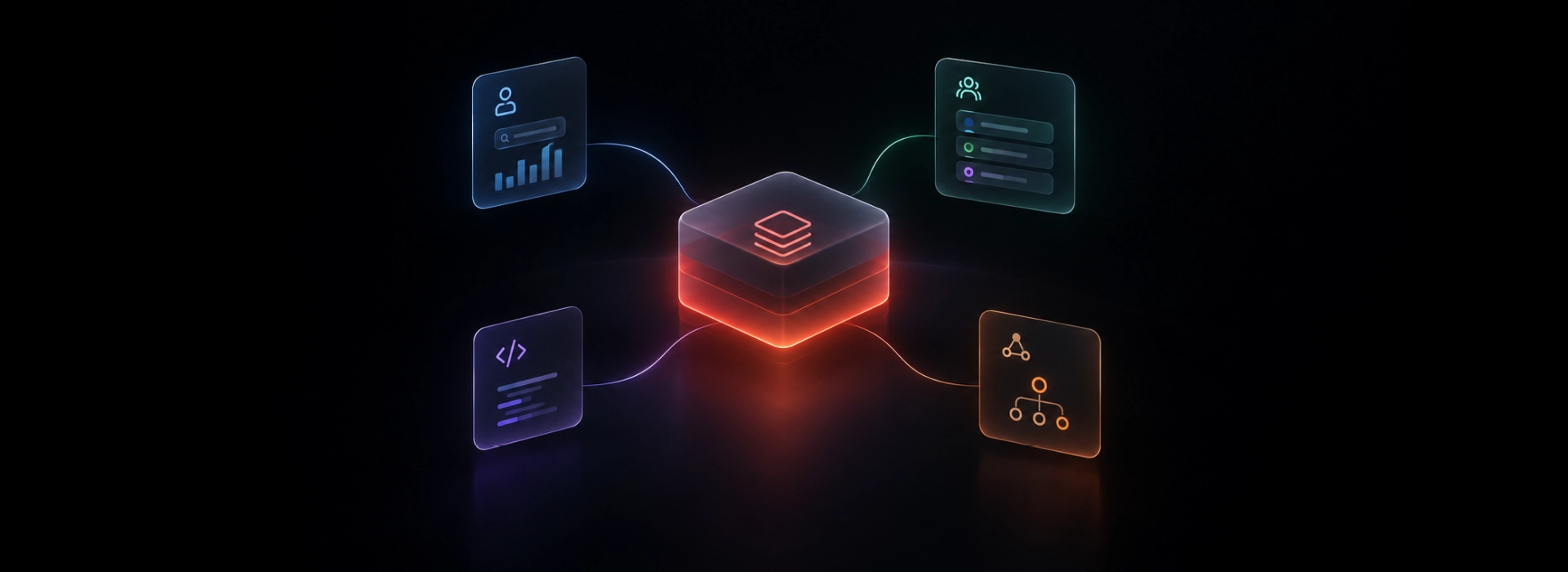
The structure looks like this:
-
Six Sub-Agents, each responsible for exactly one dimension of Lakebase health
-
One Orchestrator Agent, which does not monitor anything directly — it coordinates the sub-agents, waits for their findings, and then synthesizes a unified diagnosis with a prioritized remediation plan
The Orchestrator reasons using a foundation model via Databricks Model Serving to generate natural-language explanations that an on-call engineer can act on immediately. It doesn’t produce raw metrics — it produces interpretations.
“Slow queries are symptoms, not root causes.”
One of the most deliberate design choices in the system: the Query Performance Sub-Agent always runs last. By the time it fires, the other five agents have already submitted their findings. This means the Orchestrator can correctly tag a slow query as a downstream consequence of connection saturation or memory pressure — not as an independent problem requiring a separate fix. Most observability systems invert this: they start with the slow query and work backward. We reversed the sequence.

3. What Each Agent Watches — The Six Dimensions of Lakebase Health
Each sub-agent monitors a discrete domain. Together, they cover the full surface area of Lakebase operational health.
Connection Agent monitors the total number of active database connections, tracks idle-in-transaction sessions (open connections holding locks while doing nothing), and flags long-running transactions. Connection saturation is the most common cause of degraded responsiveness in production Lakebase instances — and it’s frequently invisible until the database starts rejecting new connection attempts.
CPU Agent integrates CPU utilization graphs from Lakebase Metrics with query statistics to run automated root cause analysis. A CPU spike is almost never the root cause — it’s a compound symptom of something else: a missing index sending the database into full table scans, an undersized instance handling traffic it was never provisioned for, a network anomaly compressing effective throughput. The CPU Agent’s job is to distinguish between these causes, not just report the number.
Memory Agent enforces a hard threshold: the Local File Cache hit rate must stay at or above 99%. When data stops fitting in memory and the database begins reading from disk, latency compounds immediately and non-linearly. The Memory Agent monitors buffer pool utilization in addition to hit rate, providing early warning before the cache collapse fully materializes.
DML Throughput Agent builds rolling baselines of INSERT, UPDATE, and DELETE activity and fires on statistical anomalies — not absolute thresholds. An INSERT spike at 2 AM during a routine batch load is normal. An identical spike at 10 AM on a Tuesday is anomalous. Z-score deviation from the established baseline is what triggers an alert, not the volume itself.
Read Replica Agent monitors replication lag between the primary instance and its read replicas, tracks WAL (write-ahead log) transmission and receipt rates, and flags cascading lock contention. A lagging replica is frequently the first visible signal of a lock contention problem on the primary — catching it early prevents the downstream analytics queries routed to replicas from degrading unexpectedly.
Query Performance Agent always runs last. It receives the findings from all five preceding agents before it begins its own analysis. This allows it to correctly classify a slow query as a confirmed downstream consequence of what was already found — rather than an independent root cause requiring a separate investigation.
How Compound Correlation Works
The system’s most distinctive capability is not what each individual agent does — it’s what the Orchestrator recognizes when multiple agents fire together. Four canonical correlation rules govern our first version:
|
Pattern |
Agents Involved |
What It Signals |
|---|---|---|
|
Connection saturation + long-running transaction |
Connection Agent |
Session leak or abandoned transaction holding a lock |
|
CPU spike + missing index + slow query |
CPU Agent + Query Agent |
Query plan degradation under load — index intervention needed |
|
Cache hit rate < 99% + slow query + memory pressure |
Memory Agent + Query Agent |
Memory-bound degradation — resize or cache configuration needed |
|
Replication lag + lock contention |
Replica Agent + Query Agent |
Primary lock propagating to replica reads — replica traffic may need to be shed |
These are not the final set. The system is designed to discover additional patterns over time as its data layer accumulates history.
4. Where the Intelligence Lives — The Persistent Data Layer
Most monitoring systems have no memory. When an incident is resolved, the diagnostic process that surfaced it is discarded. The next time the same pattern appears, the team starts from scratch.
The Lakebase Performance Intelligence Agent is designed differently. Every finding, every correlation, every remediation recommendation is written to a persistent data layer governed by Unity Catalog — and that layer compounds in value over time.
The architecture follows the Medallion pattern:
-
Bronze tables capture raw observations from each sub-agent — unprocessed, time-stamped, immutable
-
Silver tables hold normalized and enriched findings — correlations applied, anomaly scores calculated, severity bands assigned
-
Gold tables surface what operators actually need: composite health scores, an optimization backlog, a running recommendation log, health snapshots for trend analysis
The symptom_log table is particularly important. Every diagnosis the system makes — what was observed, what was correlated, what was recommended — is stored here. This table is the training dataset for the next version of the accelerator, which will use MLflow 3.0 (generally available June 2025) to train a predictive model on historical patterns. Version 1 doesn’t predict failures — it builds the foundation to do so.
The system also incorporates Databricks Vector Search for semantic retrieval of historical incidents. When the Orchestrator is diagnosing a new pattern, it queries the symptom_log for similar past events — target retrieval latency under one second. This means a CPU spike pattern the system saw six weeks ago informs how it interprets a similar pattern today, even if the surface details have changed.
Unity Catalog governs the entire data layer. All tables are catalogued, secured with access controls, and lineage-tracked natively.

5. What Operators Actually See — Three Delivery Surfaces
The intelligence layer is only useful if the people who need to act on it can get to it quickly. The accelerator ships with three built-in delivery surfaces.
Seven Lakeview Dashboards provide pre-built operational views — one for each health dimension plus a composite overview. Each dashboard shows composite health scores banded as healthy, degraded, or critical, with per-instance drill-down capability. These are the surfaces a data platform manager or DBA lead checks each morning and during incidents.
Databricks Apps (Streamlit) provides an interactive interface for engineers working a live incident. Filters by agent, by instance, and by time window allow for precise investigation. At the end of a diagnosis session, the engineer can export the full remediation plan as a PDF or JSON artifact — ready to attach to a post-mortem or ticket.
Alert Manager handles proactive notification to Slack, PagerDuty, or email when composite health scores cross configured thresholds. Alerts are designed to be actionable immediately — the engineer receiving the page doesn’t need to understand the six sub-agents to respond. The alert tells them what’s wrong and what to do about it.
The accelerator ships as a Databricks Asset Bundle (DAB) — deployed with a single databricks bundle deploy command. It’s fully built and environment-configurable; Qubika handles the installation and tuning for the specific instance topology.
6. When to Care About This — Four Signals You Already Have
This accelerator was designed for specific operational contexts. If any of these describe your environment, it was built for you.
You are running Lakebase Provisioned in production and have seen unexplained CPU spikes or connection saturation without a clear root cause. You know something is wrong. You don’t know why. Post-mortems keep concluding “under investigation.” This is the most direct use case.
A pipeline has breached an SLA and the post-mortem couldn’t fully explain what happened. The signals were there — they just weren’t correlated. The accelerator’s persistent symptom_log means the next similar incident arrives with historical context attached.
You are in a maintenance phase and need Lakebase observability without dedicated DBA headcount. Maintaining a DBA specialist for a managed database service is an expensive allocation. The accelerator provides structured, AI-driven operational intelligence that a generalist data engineer can act on.
You are adopting Lakebase and want observability instrumented from day one, not retrofitted after the first incident. The cost of retrofitting observability after an incident is always higher than the cost of building it in before one. easyJet cut their development cycles from nine months to four after consolidating on Lakebase — the platform is being adopted at production scale, and operational confidence is a prerequisite for that kind of commitment.
AI agents now create 80% of all Lakebase databases and 97% of all branches across Databricks customers. The direction of Lakebase adoption is clear: AI-native, agentic, and operating at a scale and speed that manual observability cannot track. Performance intelligence needs to be agentic too.
Before You Deploy — A Readiness Checklist
If you’re evaluating whether to bring the accelerator into your environment, these are the questions worth answering first:
If three or more of these are true, the observability gap is real in your environment — and worth a conversation.
Are you running Lakebase Provisioned on AWS? (v1 targets AWS; Azure is in the roadmap)
If three or more of these are true, the observability gap is real in your environment — and worth a conversation.
Explore our Databricks services
Qubika is a Databricks Gold Partner with 200+ certified engineers across data, AI, and ML. Whether you're adopting Lakeflow, migrating existing pipelines, or designing a lakehouse from scratch, our team brings hands-on platform experience to every engagement.
References
Databricks Documentation
-
Lakebase (Managed Postgres) overview — GA January 2026
-
Mosaic AI Agent Framework build guide — GA March 2025
-
Unity Catalog overview — GA August 2022
-
MLflow 3.0 and Model Registry — GA June 2025
-
Lakehouse Monitoring / Data Profiling — GA June 2024
-
Query History system table — Public Preview
-
Query Profile UI — GA